Pause and Resume a Bot
What this page covers
- What this feature is for
- Where to find it in the dashboard
- The quickest way to use it safely
How to use this page
- Follow the steps top to bottom once.
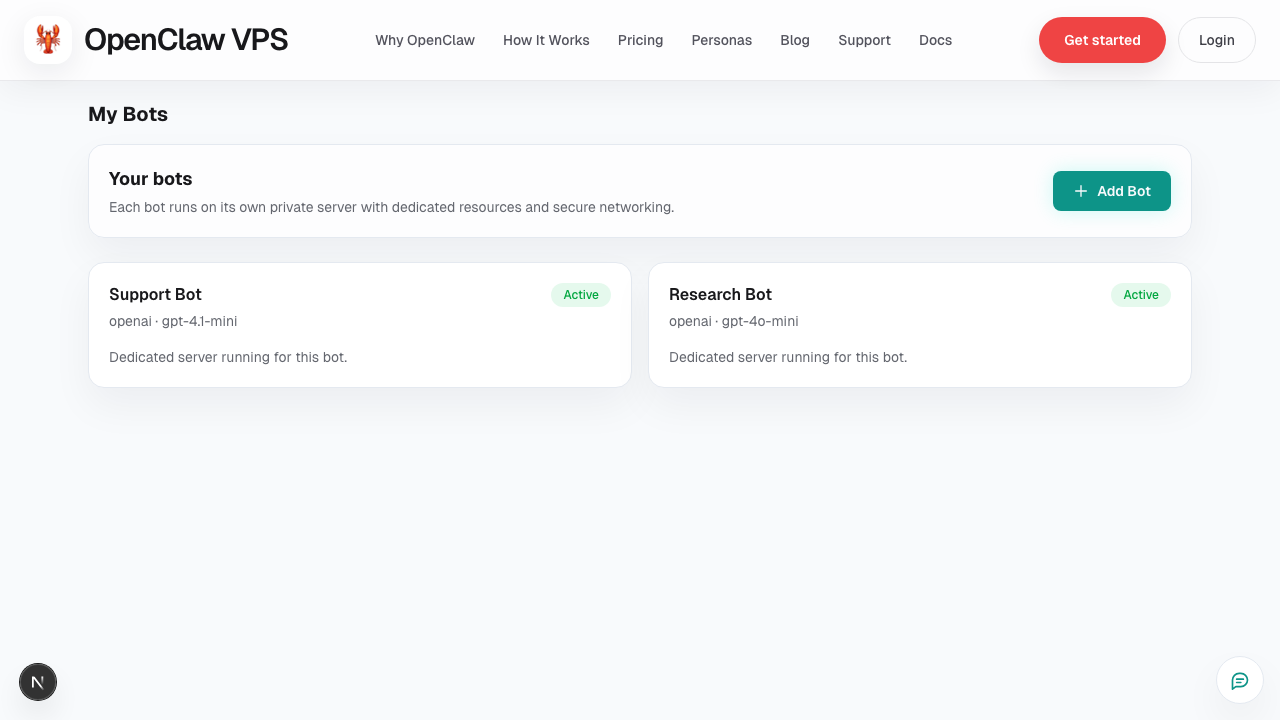
- Use the screenshot to match the right UI area.
- Use the Related links for deeper troubleshooting.
Pausing is useful when a bot is temporarily not needed or when you want to stop active usage while debugging.
Pause checklist
Before pausing:
- confirm no active user workflow depends on the bot
- note any in-progress troubleshooting state
- capture current usage/billing view if needed
After pausing:
- verify status reflects paused state
- confirm expected channels no longer receive automated activity
Resume checklist
- Resume bot
- Wait for healthy/ready status
- Run 2–3 chat smoke tests
- Validate integrations and file access
Best practice
Use pause/resume as an operational control point, not as a substitute for unresolved config issues.
Related
Screenshot