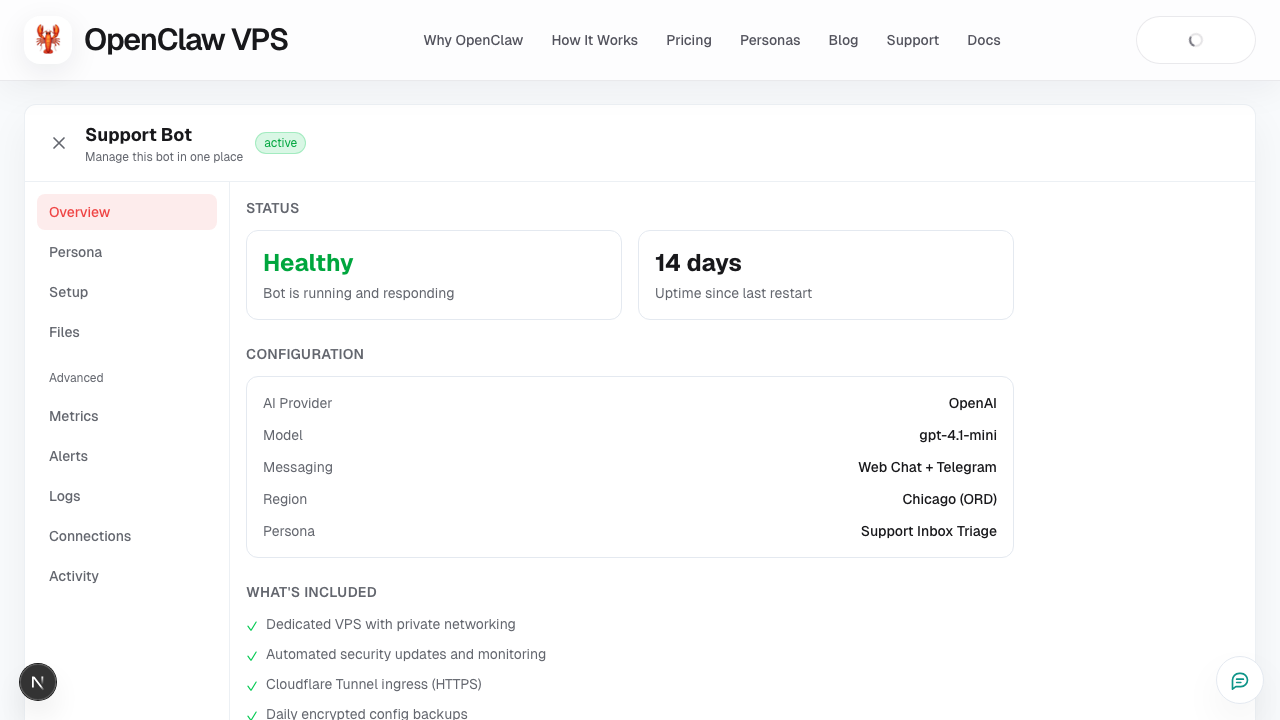
Tab: Overview
What this page covers
- What this feature is for
- Where to find it in the dashboard
- The quickest way to use it safely
How to use this page
- Follow the steps top to bottom once.
- Use the screenshot to match the right UI area.
- Use the Related links for deeper troubleshooting.
Use Overview as your first stop for each bot.
What to check
- current status and readiness
- any action-required warnings
- quick next steps before opening chat
Typical workflow
- Open bot detail.
- Check status and warnings.
- If clear, move to Chat.
- If not clear, fix setup/integrations first.
Screenshot