Integration Troubleshooting
What this page covers
- What this feature is for
- Where to find it in the dashboard
- The quickest way to use it safely
How to use this page
- Follow the steps top to bottom once.
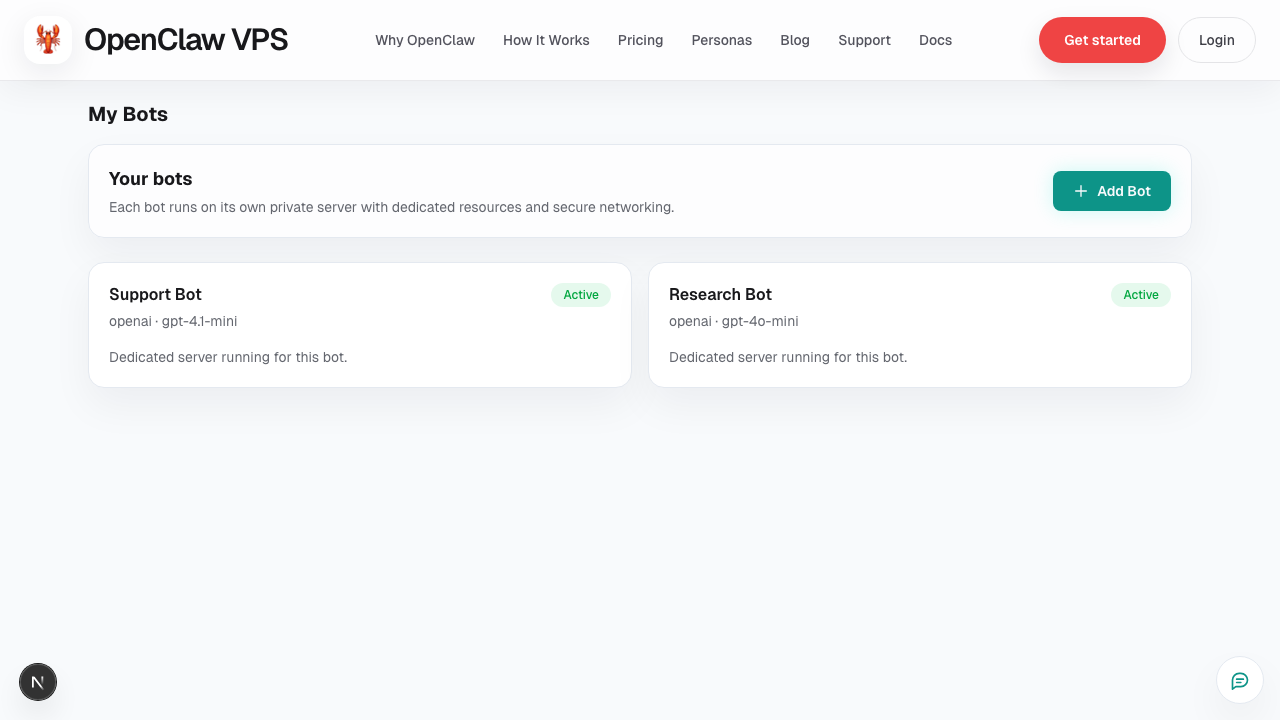
- Use the screenshot to match the right UI area.
- Use the Related links for deeper troubleshooting.
Use this playbook when integrations stop working or fail to connect.
Fast triage
- Confirm integration token/key is still valid.
- Verify scopes/permissions at provider side.
- Re-check callback URL or endpoint configuration.
- Validate bot-level settings that rely on the integration.
Common failure patterns
- Auth expired: reconnect integration and rotate credentials.
- Permission mismatch: missing scope for required actions.
- Environment mismatch: test creds used in production workspace.
- Rate limits: burst actions blocked by provider throttling.
What to include in support ticket
- integration name
- failure timestamp (with timezone)
- exact error text
- screenshots of relevant settings (redact secrets)
Related
Screenshot