Shared Room Operations
What this page covers
- What this feature is for
- Where to find it in the dashboard
- The quickest way to use it safely
How to use this page
- Follow the steps top to bottom once.
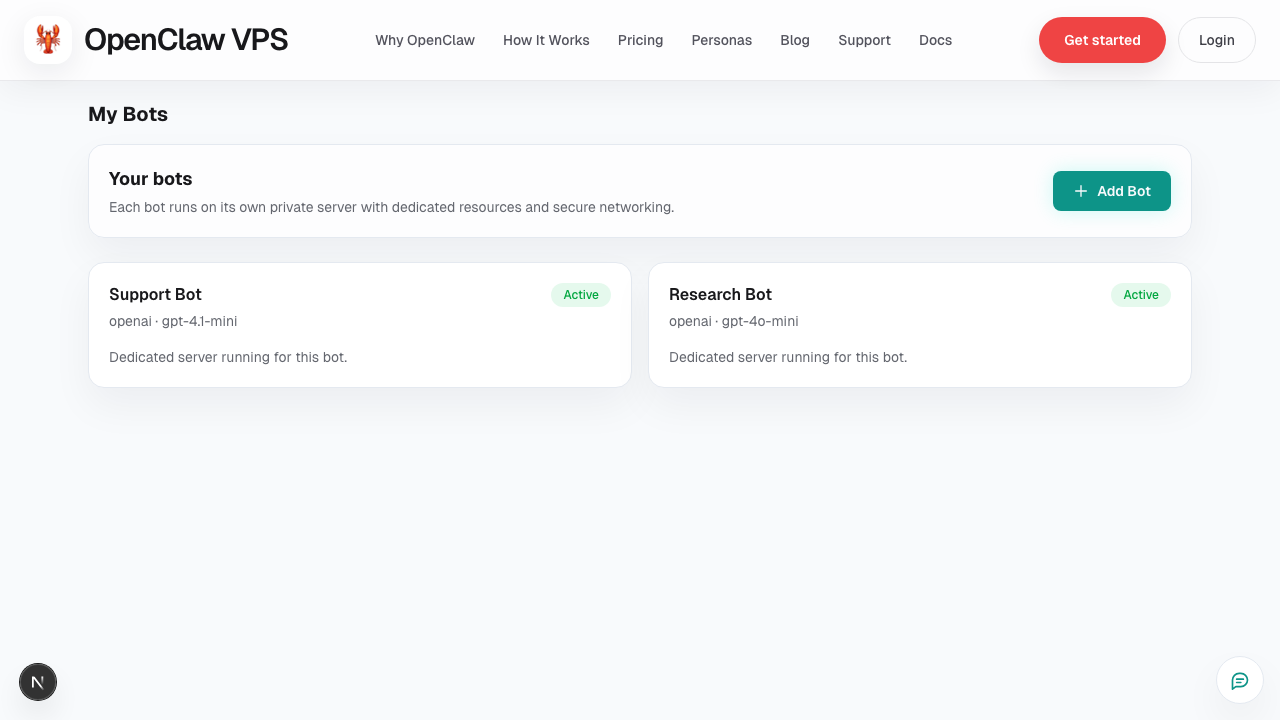
- Use the screenshot to match the right UI area.
- Use the Related links for deeper troubleshooting.
Shared Room is best for team-level visibility and cross-bot coordination.
When to use Shared Room
- reviewing multi-bot activity in one place
- quick triage before jumping to a specific bot
- collaboration between operators during incidents
Best practices
- keep a clear owner for each issue even in shared chat
- move deep debugging to a specific bot context
- summarize final action in Shared Room for team visibility
Common mistakes
- treating Shared Room as the only record of operational decisions
- mixing unrelated incidents into one thread
Related
Screenshot