Request a Feature
What this page covers
- What this feature is for
- Where to find it in the dashboard
- The quickest way to use it safely
How to use this page
- Follow the steps top to bottom once.
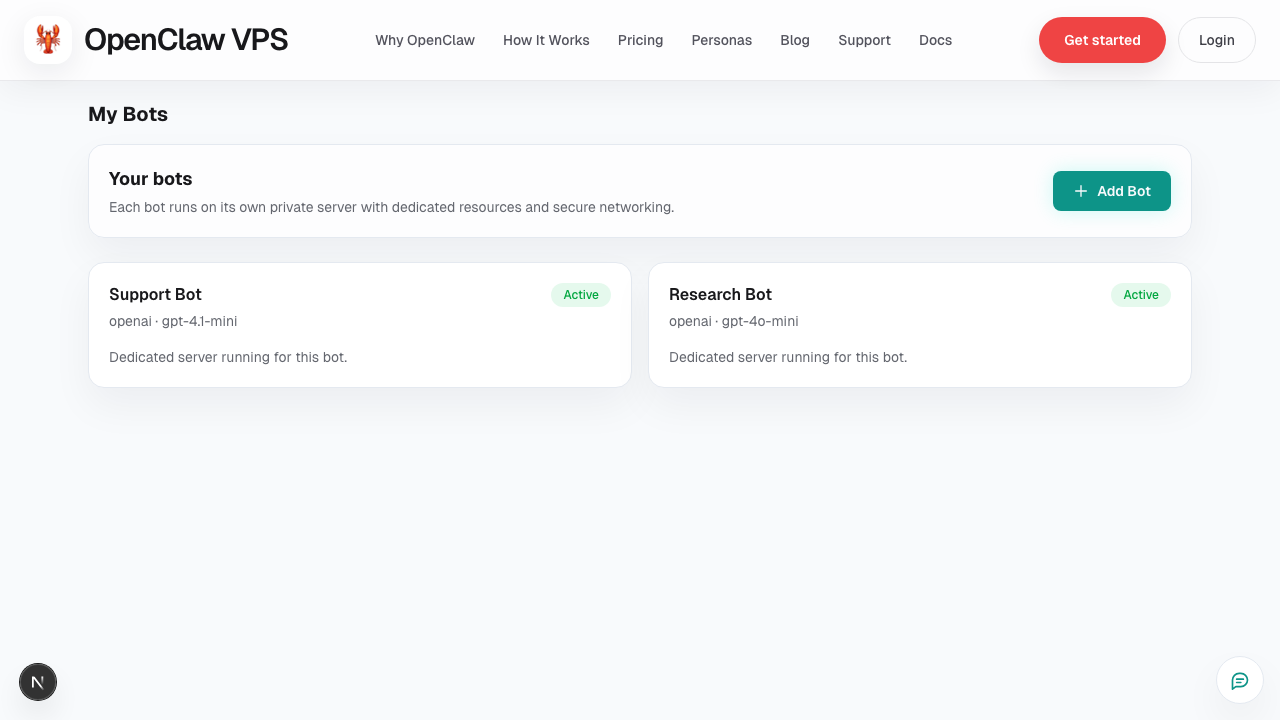
- Use the screenshot to match the right UI area.
- Use the Related links for deeper troubleshooting.
Use Request a Feature in the dashboard header when you want to suggest product improvements.
When to use it
- a workflow is repeatedly blocked by missing capability
- a manual step should be automated
- an existing feature needs clearer controls
What to include
- Outcome you want (not just implementation)
- Current workaround
- Who is affected (just you, team, or customers)
- Frequency (daily, weekly, occasional)
- Impact (time saved / errors avoided / conversion impact)
Good request example
“Need per-bot alert routing so billing and runtime alerts go to different owners. Current workaround is manual triage in one inbox. This affects daily operations and delays incident response.”
Related
Screenshot