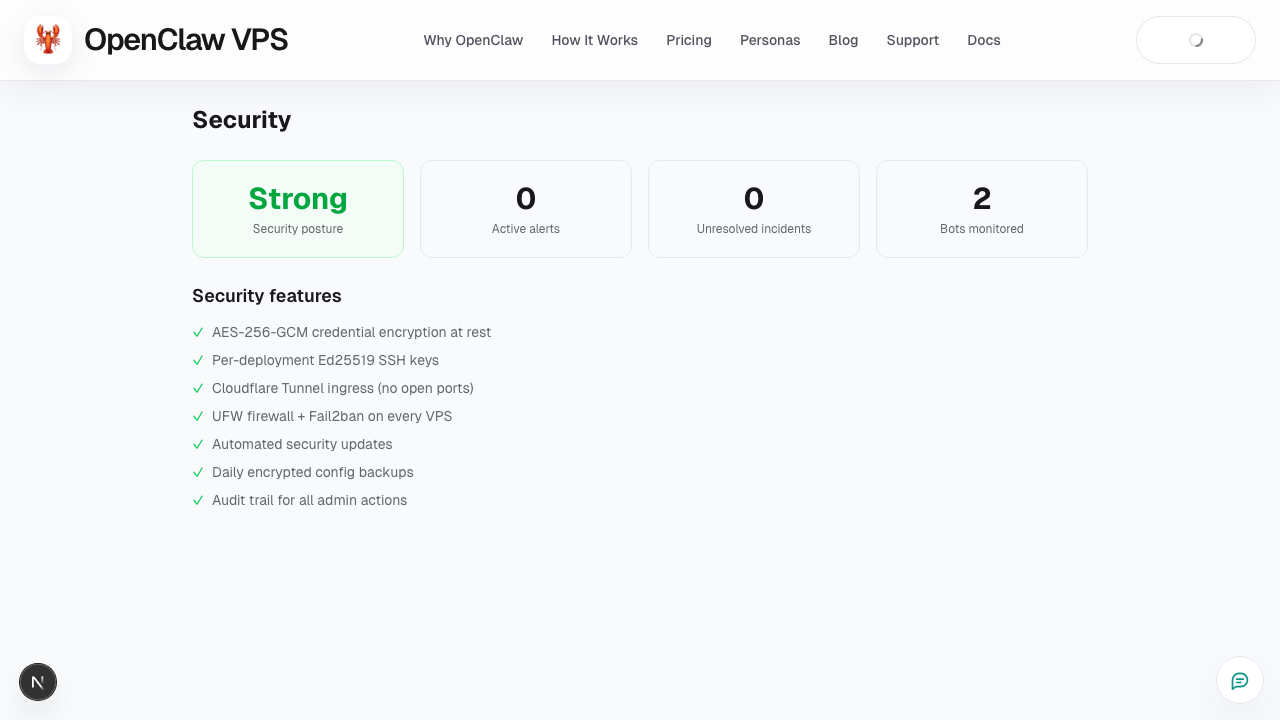
Tab: Security
What this page covers
- What this feature is for
- Where to find it in the dashboard
- The quickest way to use it safely
How to use this page
- Follow the steps top to bottom once.
- Use the screenshot to match the right UI area.
- Use the Related links for deeper troubleshooting.
Use Security (Security Posture) to review risk signals and required fixes.
What to do here
- review warnings and action-required items
- confirm baseline security checks pass
- open support for unresolved risk alerts
Related
Screenshot