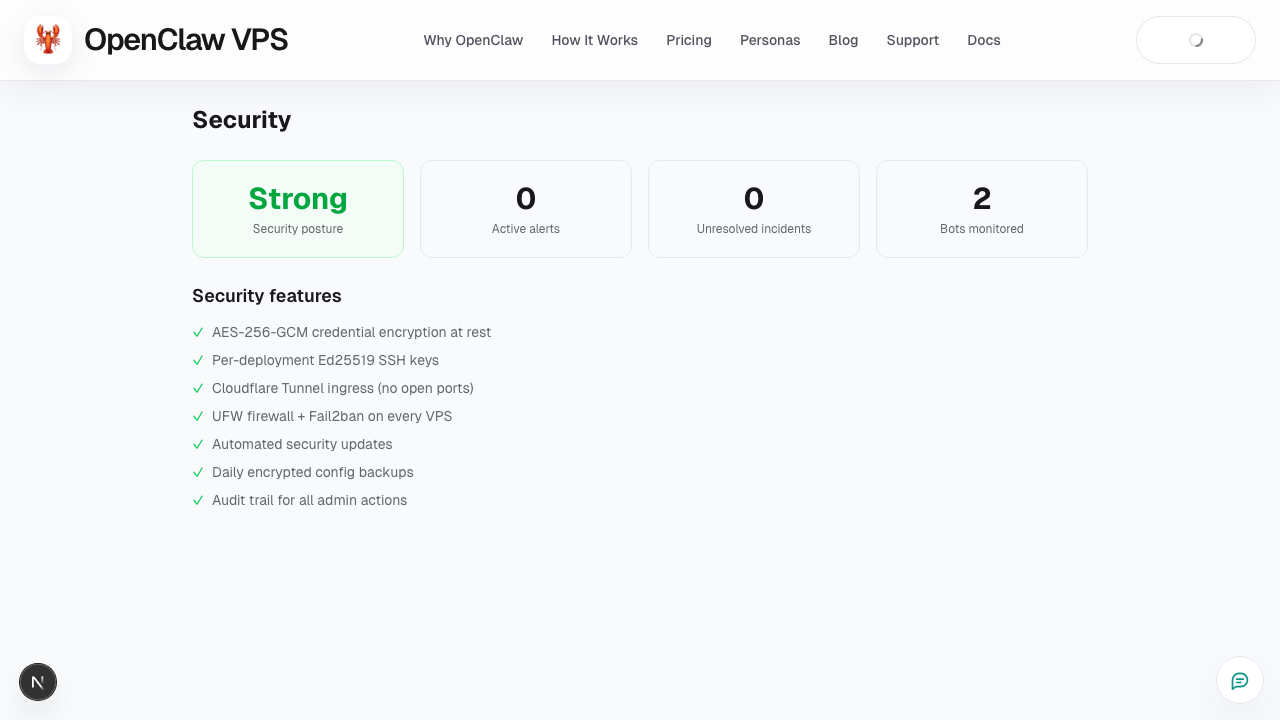
Security Posture
What this page covers
- What this feature is for
- Where to find it in the dashboard
- The quickest way to use it safely
How to use this page
- Follow the steps top to bottom once.
- Use the screenshot to match the right UI area.
- Use the Related links for deeper troubleshooting.
The Security Posture page helps you quickly identify risks that need action.
What to look for
- critical vs warning-level items
- stale tokens/keys or weak auth settings
- networking or access configuration issues
Resolution workflow
- Fix critical items first.
- Re-run checks after each fix.
- Log unresolved warnings with context.
- Open support if a warning persists unexpectedly.
Recommended cadence
- Check posture after major config changes.
- Re-check after platform updates.
- Include posture review in weekly ops checks.
Related
Screenshot